Upload your first track and its first version
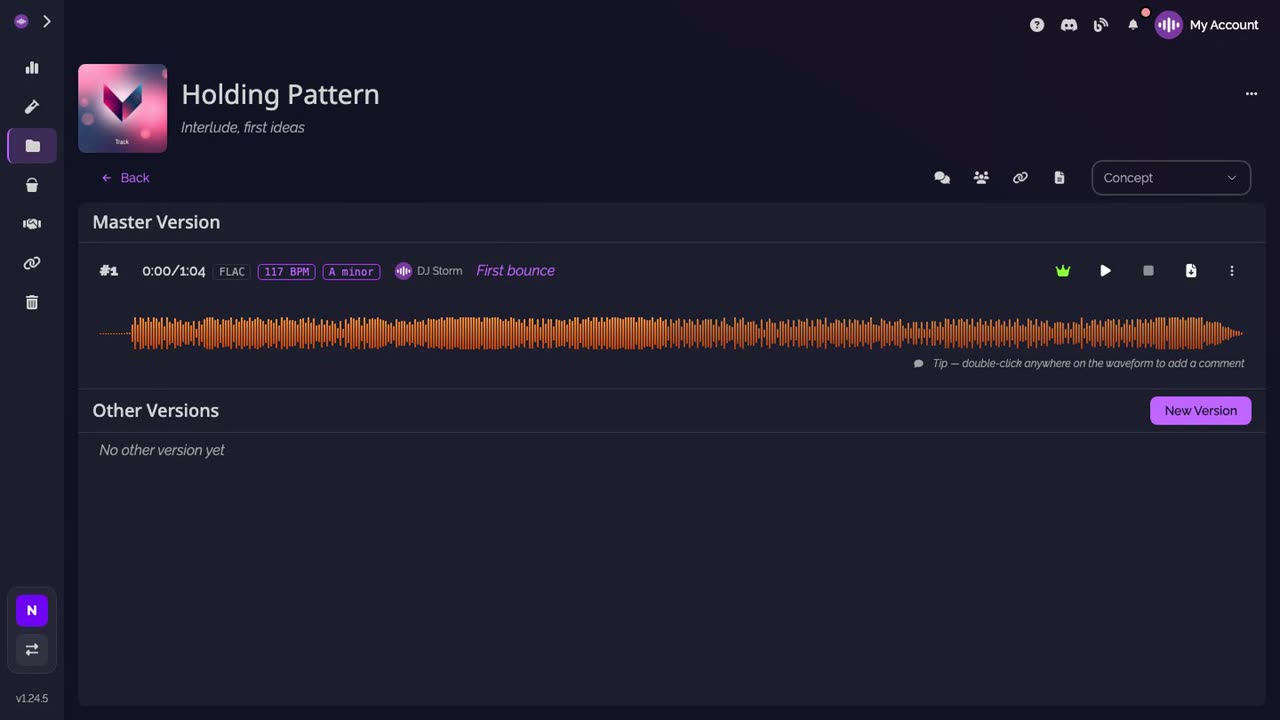
In SoundisiaK Studio, a track is a song of your project, and each mix of it is a version of that track. Create the track once, then upload your mix as its first version: it takes the main spot, and once the audio is processed it shows its waveform, its key and its tempo.
What you need
Any plan, the Free plan included · a project · your mix as a WAV file · owner or admin of the workspace
Steps
-
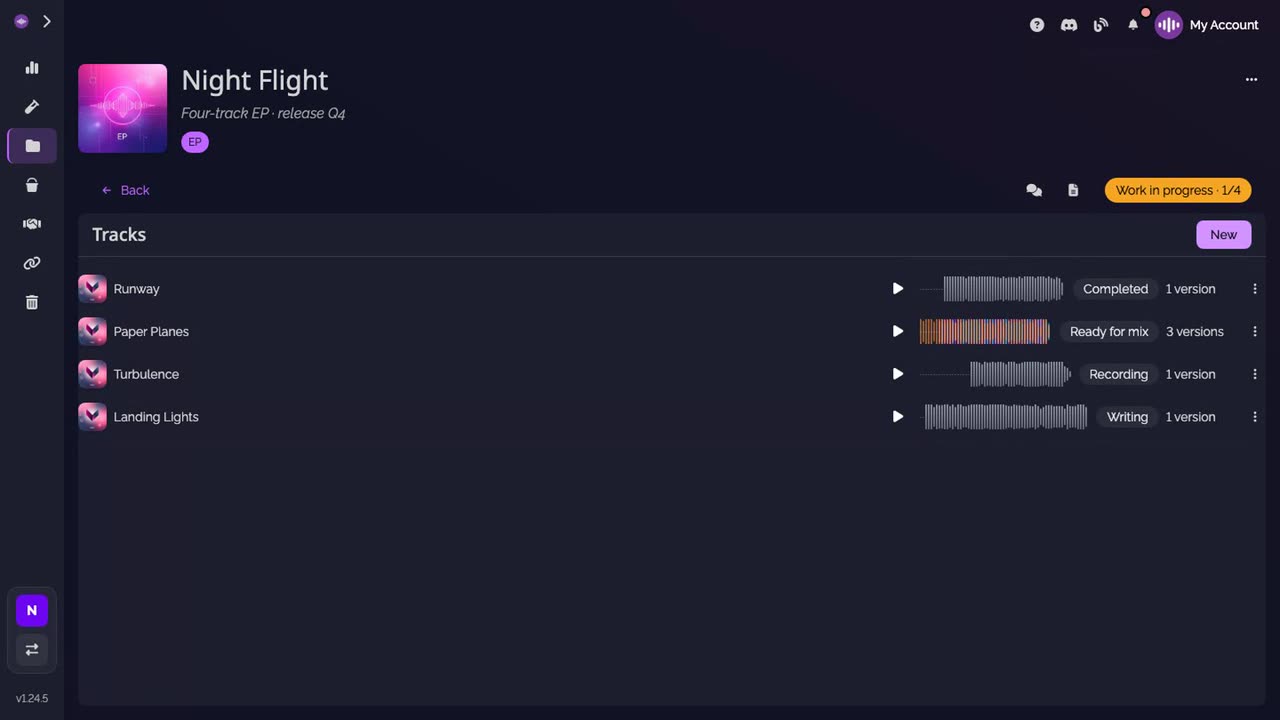
Click New. On your project's page, the button sits next to Tracks.
-
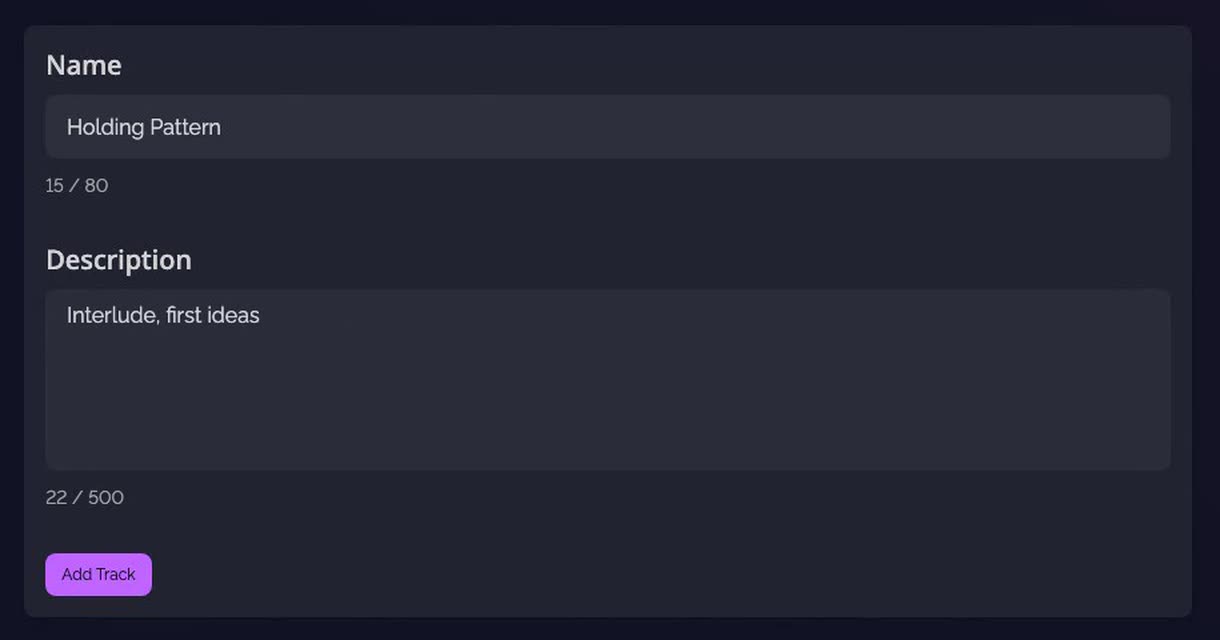
Name the track. Give it its name, and a short description if you like, then click Add Track.
-
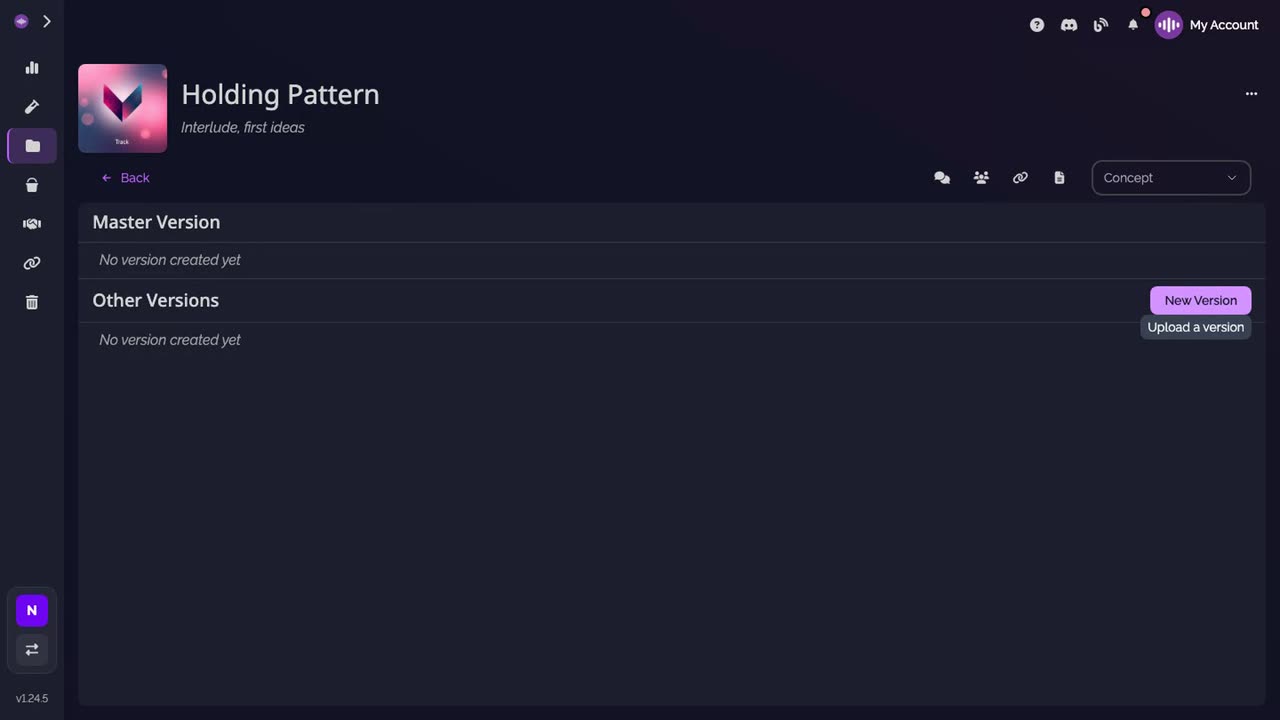
Click New Version. The track opens, with no version yet. The button sits next to Other Versions.
-
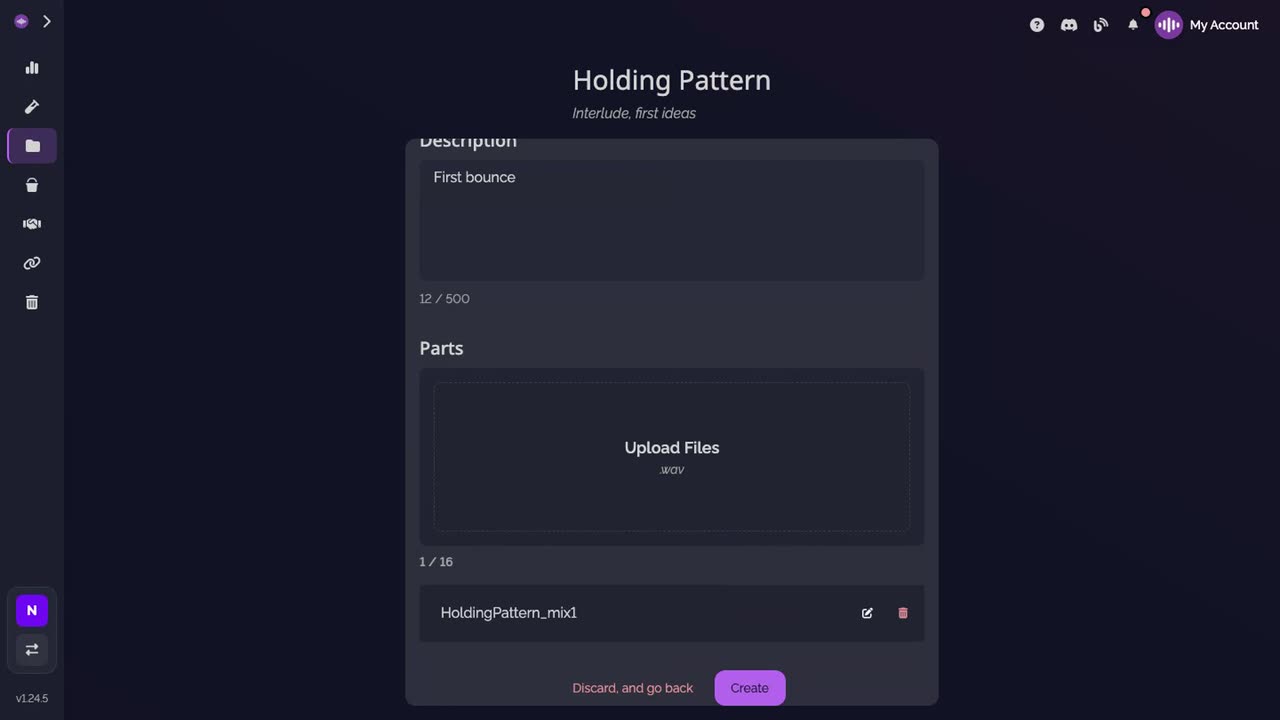
Drop your mix, describe it, click Create. Drop the WAV file in the form, say what this version is, then click Create. The file uploads in full quality.
-
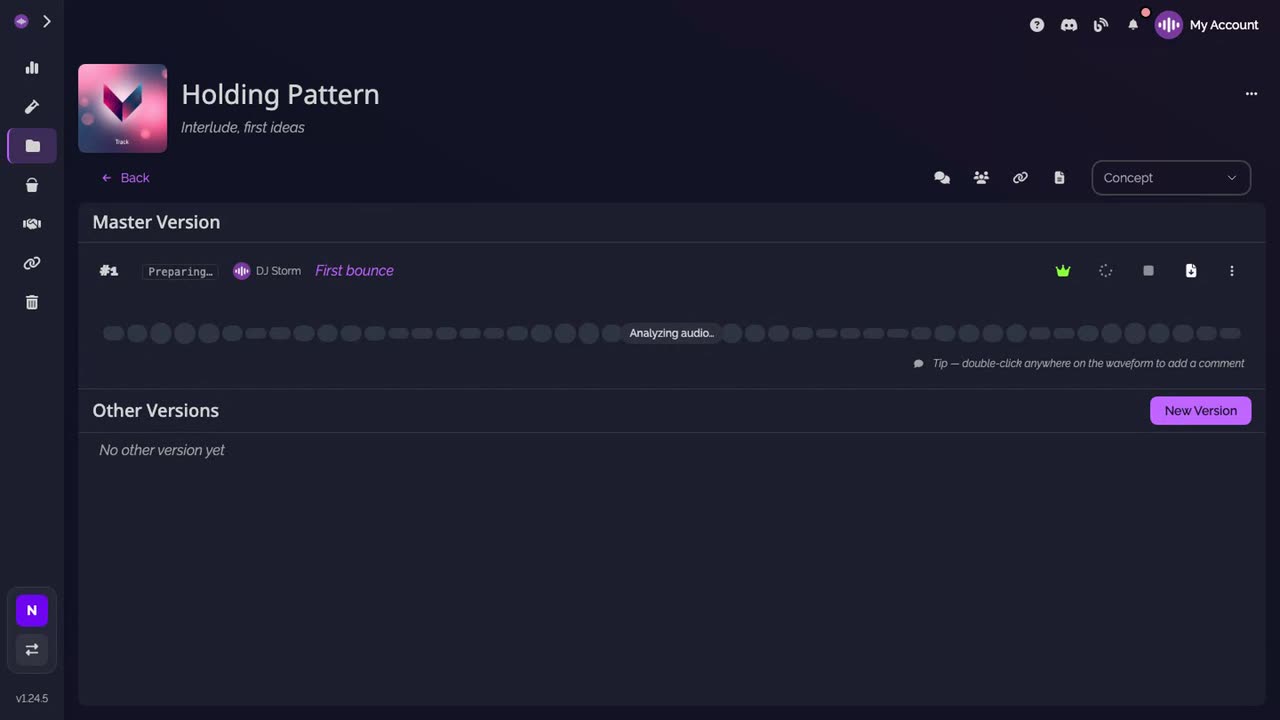
The first version takes the main spot. It reads Preparing… while the app processes the audio.
-
It's ready to play. The version shows its waveform, its key and its tempo.
Good to know
- Keep the page open while your files upload, as the upload window asks.
- Each new mix of the song goes in as a new version of the same track, numbered after the others.
Transcript
Here's how to add your first track to a project, and upload its first version. Open your project. Next to Tracks, click New. Name the track, add a short description if you like, then click Add Track. The track opens, with no version yet. Click New Version. Drop your mix as a WAV file, and describe this version. Click Create. The file uploads in full quality. Your first version takes the main spot. The app prepares the audio for a moment. When it's ready, it shows its waveform, its key and its tempo. Each new mix of this song goes in as a new version of the same track.
FAQ
Which audio format can I upload?
WAV. The version form takes WAV files; the app then prepares the formats it streams on its own.
Can one version hold several files?
Yes. Drop all the stems of a mix at once to get a multitrack version, and listen to it stem by stem.
What status does a new track start in?
Concept. Change it from the status list on the track page as the song moves on.
How many tracks can a project hold?
As many as you need. Projects, tracks and versions are unlimited on every plan, the Free plan included.