Track your songs' progress with statuses
Every track in SoundisiaK Studio has a status: Concept, Paused, Writing, Recording, Ready for mix or Completed. The project page shows each track's status, and the project's progress counts how many tracks are completed. The owner and the admins of the workspace change a status from the track page, in two clicks.
What you need
Any plan, the Free plan included · a project with tracks · to change a status: owner or admin of the workspace
Steps
-
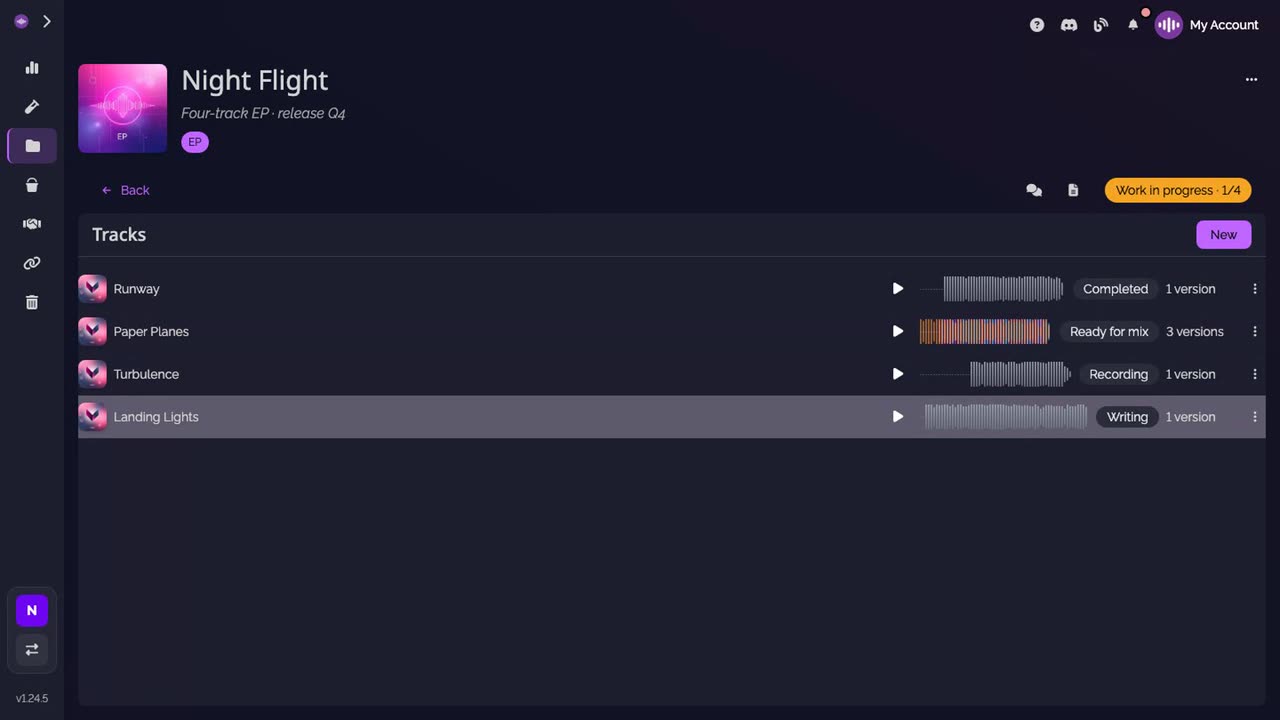
Open the project. Each track shows its status on its row.
-
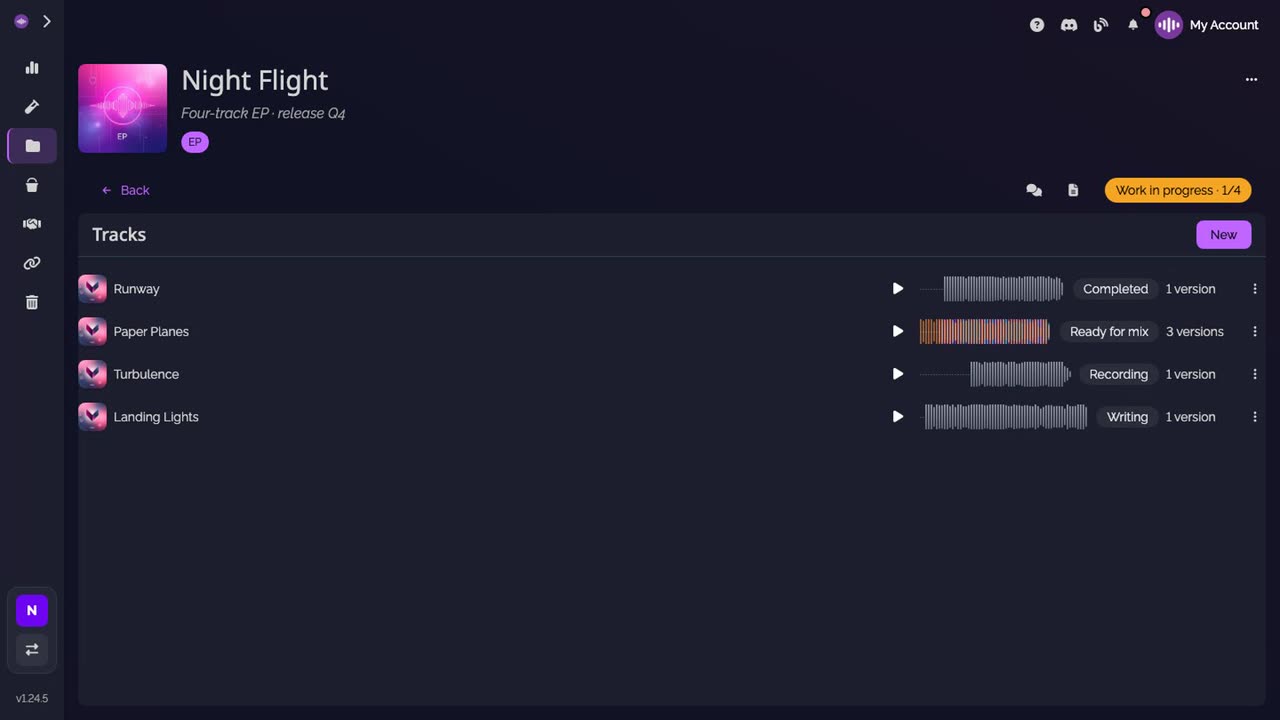
Read the progress. At the right of the project, the progress counts the completed tracks, here Work in progress · 1/4.
-
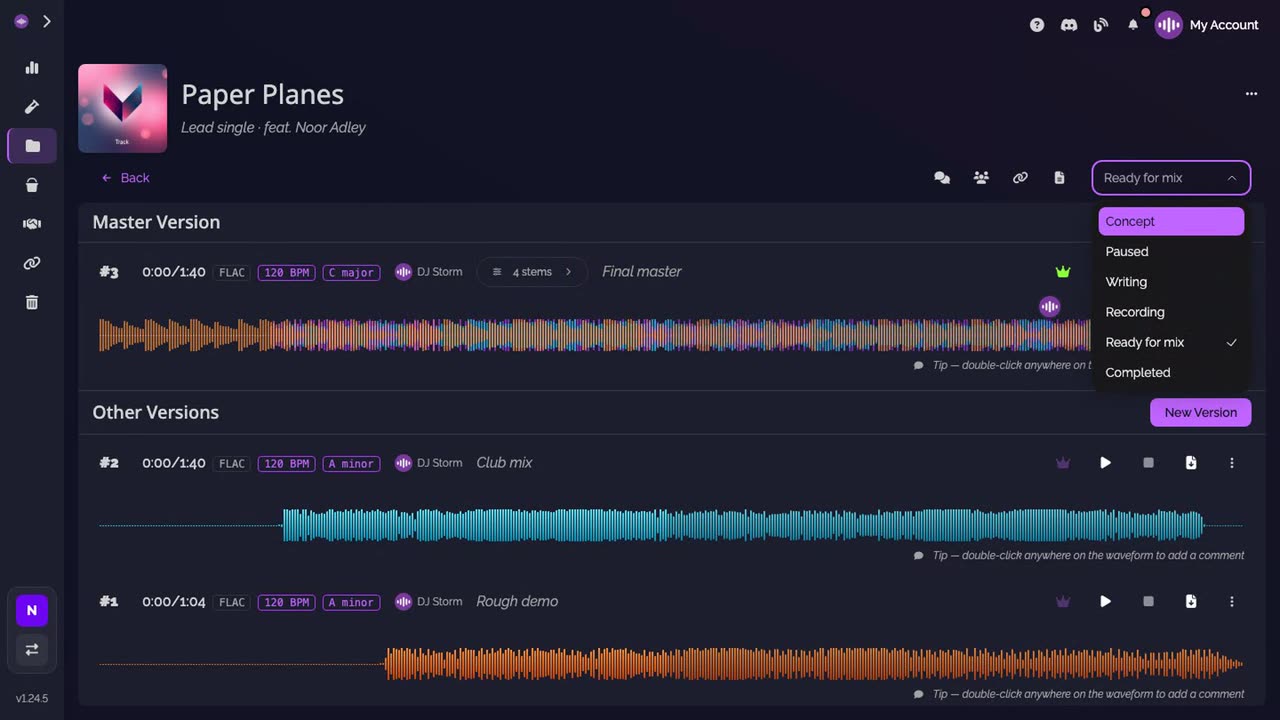
Change a track's status. Open the track, then click its status, at the top right. Pick the new status in the list.
-
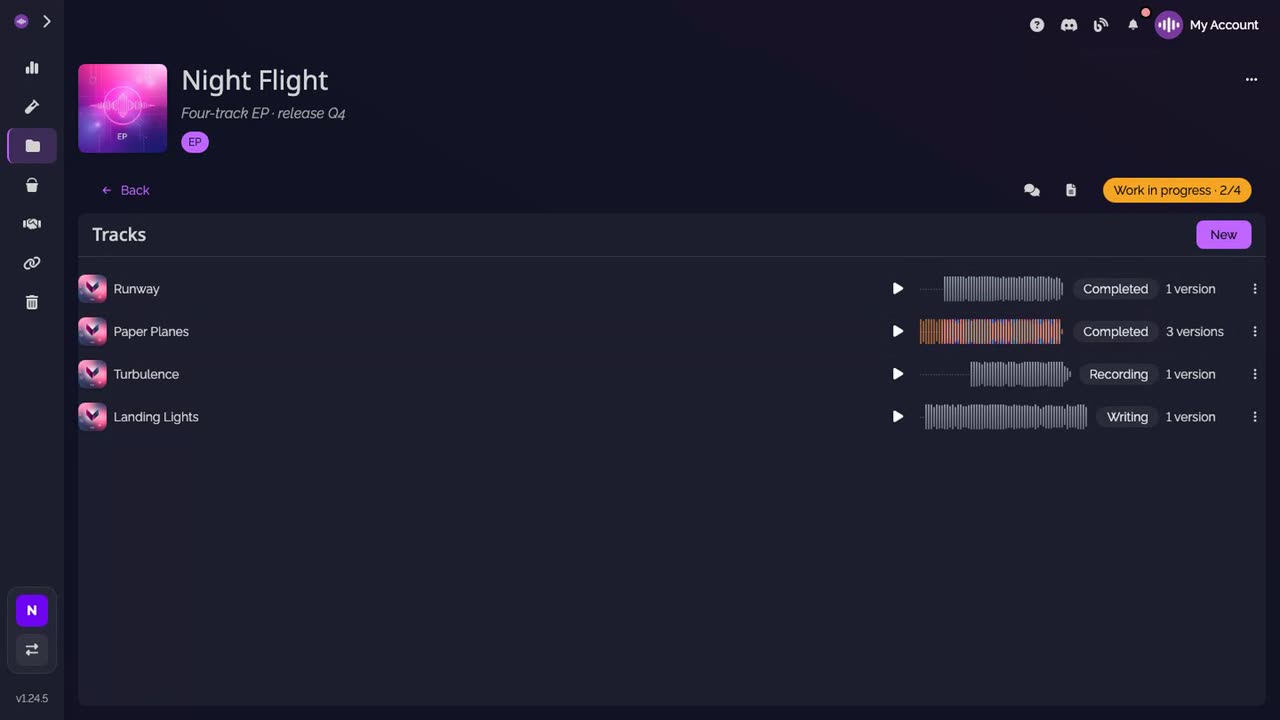
Check the project. Back on the project, the track shows its new status, and the progress has moved: Work in progress · 2/4.
Good to know
- Only Completed counts as done in the progress. A paused track still counts as in progress.
- While a long project's track list is still loading, the progress shows Work in progress without figures, until every track is counted.
- Everyone who can open a track sees its status: members of the workspace, and collaborators invited to that track.
Transcript
Here's how to see where each song of a project stands, and how to move it forward. Open the project. Each track shows its status: Completed, Ready for mix, Recording, Writing. On the right, the progress counts the completed tracks. 1 of 4 here. To change a status, open the track and click its status, at the top right. There are six: Concept, Paused, Writing, Recording, Ready for mix and Completed. Pick Completed. Owners and admins of the workspace can change a status. Back on the project, the track reads Completed, and the progress now counts 2 of 4. Everyone on the project sees where each song stands.
FAQ
What are the six statuses?
Concept, Paused, Writing, Recording, Ready for mix and Completed, in that order in the status list.
Who can change a track's status?
The owner and the admins of the workspace. Everyone else who can open the track sees its status, without the list.
What does the project's progress count?
The tracks marked Completed, out of all the tracks of the project. A paused track counts as still in progress. When every track is completed, the progress reads Completed.
Do statuses have to follow an order?
No. You can pick any of the six statuses at any time, and go back to a previous one.