Find and set the main version of a track
In SoundisiaK Studio, every track has one main version: the one marked with a crown, at the top of the track page, under Master Version. It tells everyone working on the track which mix is the current one. The owner and the admins of the workspace can make any other version the main one, in one click.
What you need
Any plan, the Free plan included · a track with at least two versions · to change the main version: owner or admin of the workspace
Steps
-
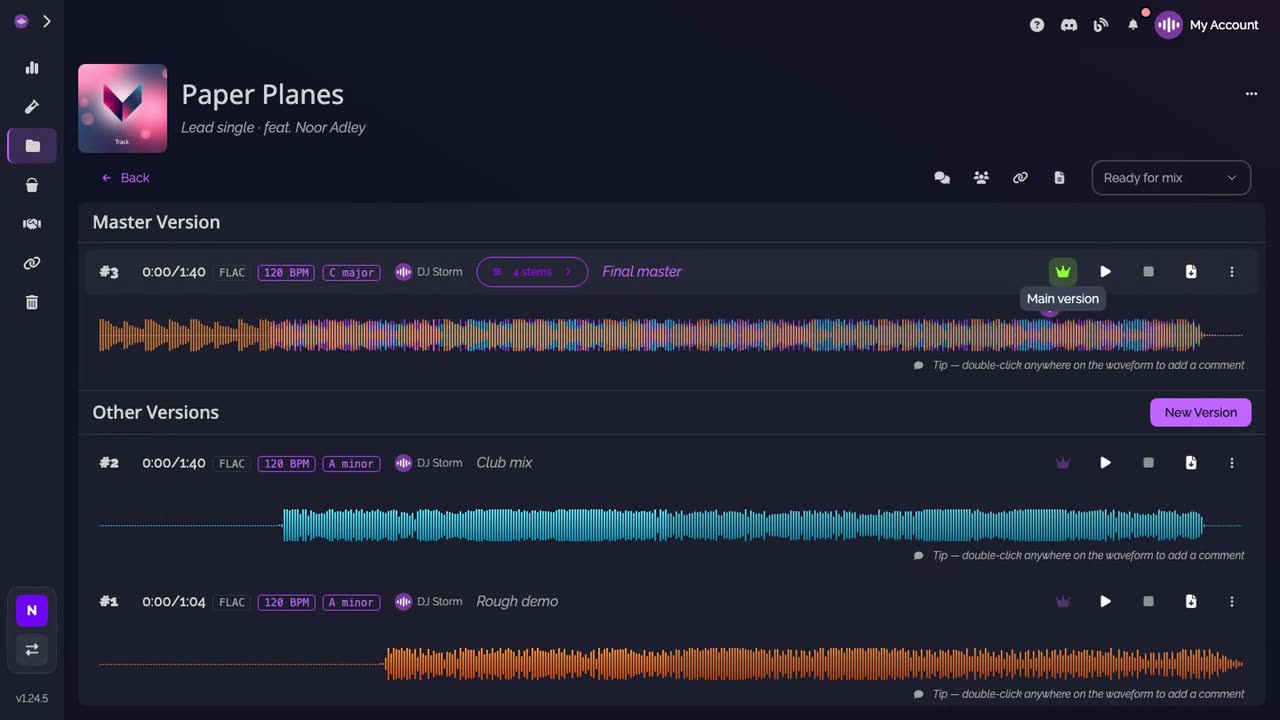
Open the track. At the top, under Master Version, is the main version: the one with the crown.
-
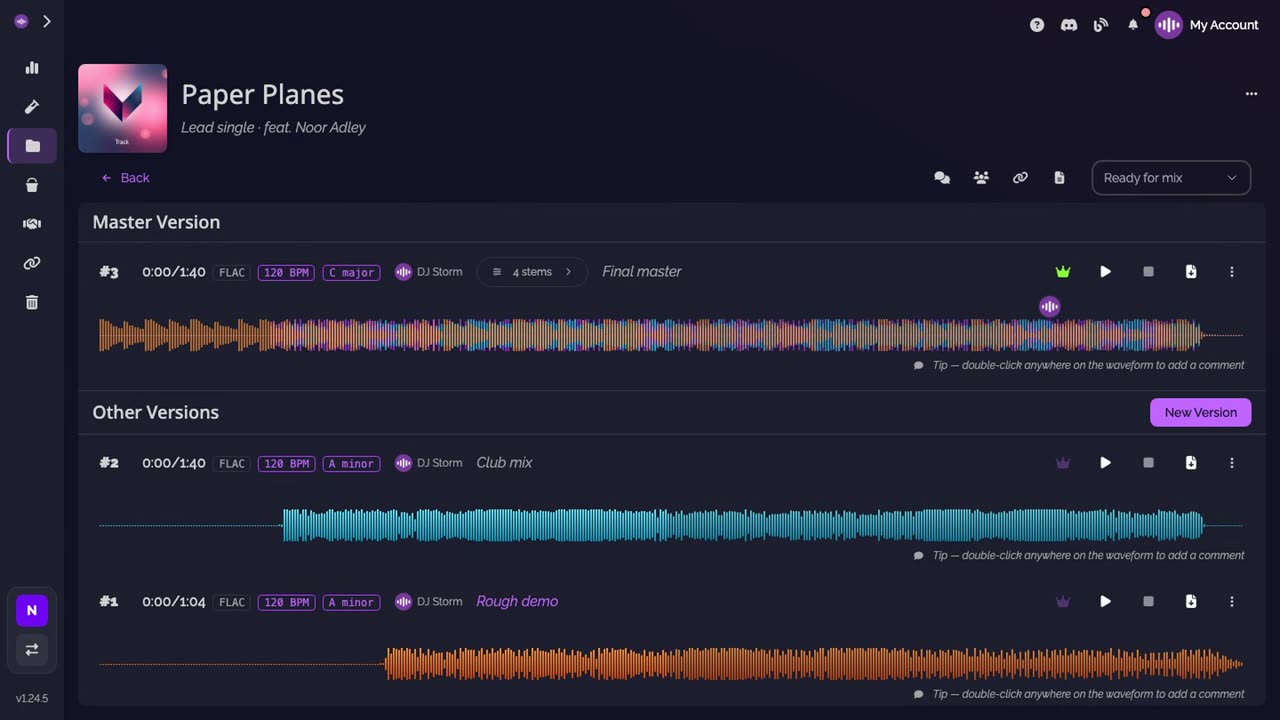
Read the other versions. Below, Other Versions lists every other version, newest first, with its number and its description.
-
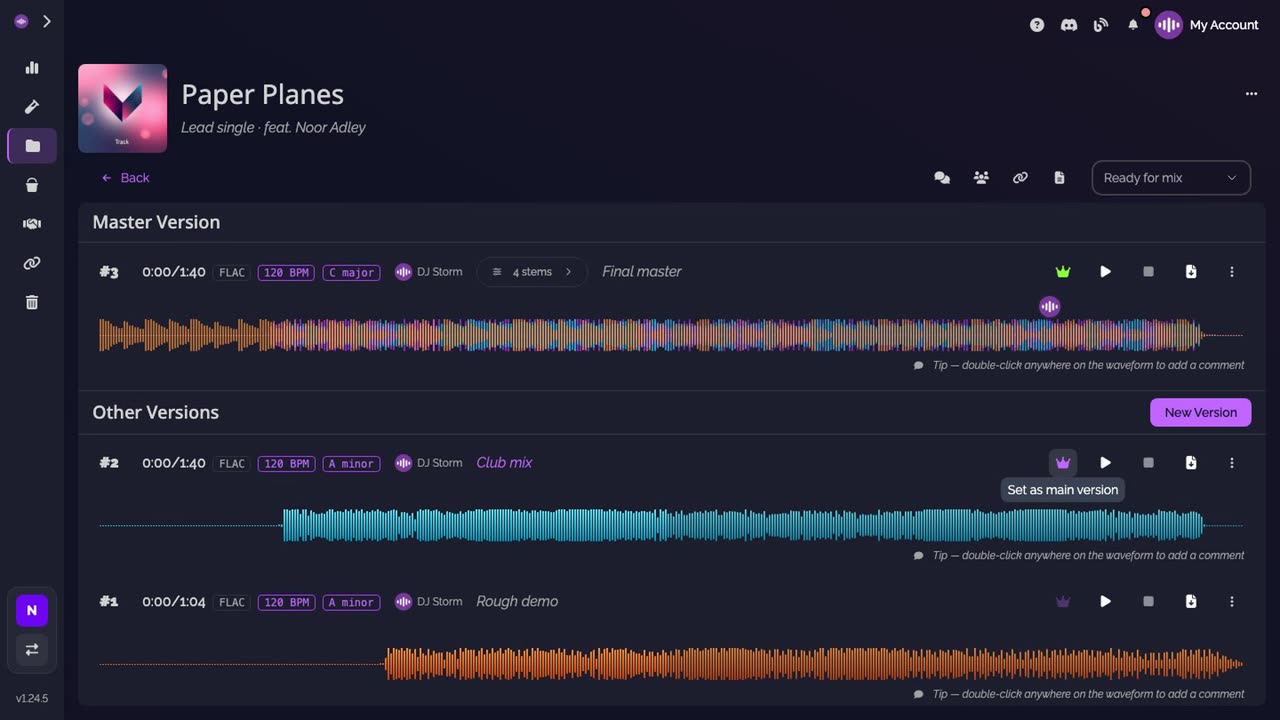
Pick a new main version. On the row of the version you want, click the crown. Its tooltip reads Set as main version.
-
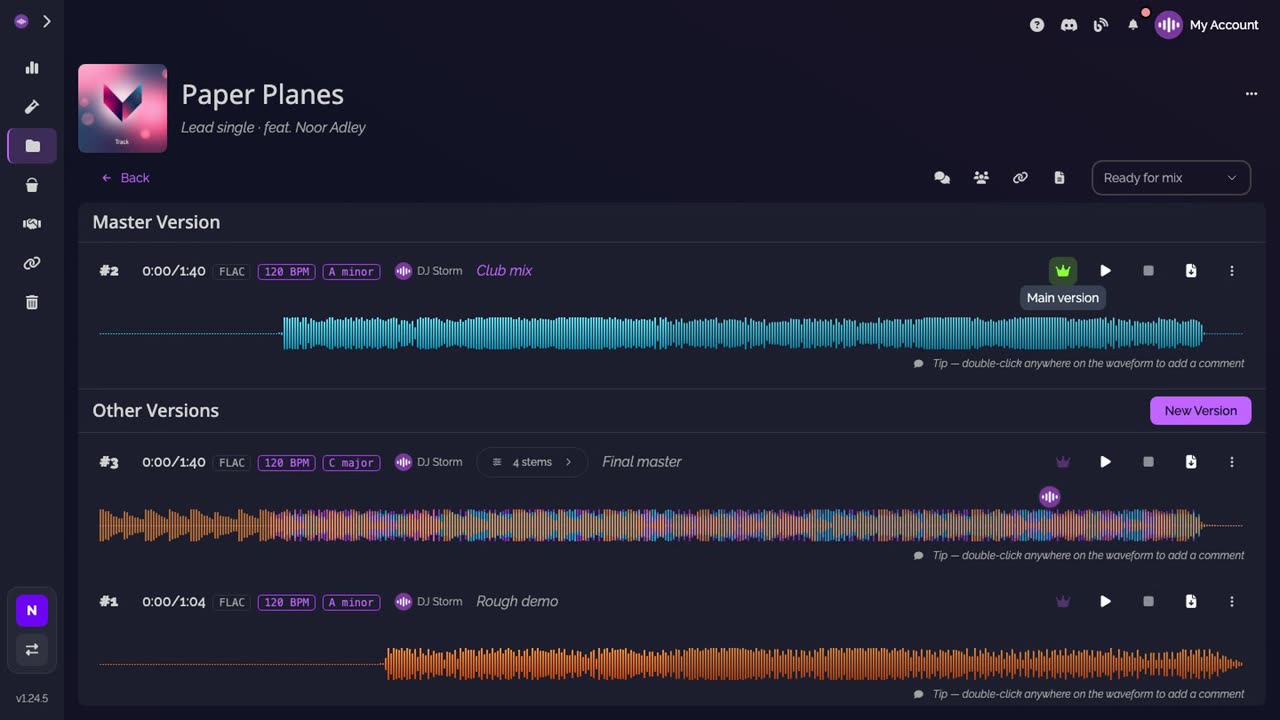
Check the result. The version moves up under Master Version, and the former main version goes back to Other Versions. A track has one main version at a time.
Good to know
- Versions are numbered automatically, in the order they are uploaded. The number never changes, even when the main version does.
- Projects, tracks and versions are unlimited on every plan, the Free plan included.
- Changing the main version deletes nothing: you can switch back at any time, with the crown of the former main version.
Transcript
Here's how to find the main version of a track, and how to change it. Open the track. At the top, under Master Version, is the main version: the one with the crown. Below, Other Versions lists every other version, newest first, with its number and its description. To make another version the main one, click the crown on its row. Owners and admins of the workspace can do this. Version 2 moves up to Master Version, and version 3 goes back to Other Versions. A track has one main version at a time. Everyone who opens the track now sees version 2 as the main version.
FAQ
Who can change the main version?
The owner and the admins of the workspace. Everyone else who can open the track sees which version is the main one, with its crown.
Does changing the main version delete the other versions?
No. Every version stays on the track, under Other Versions, with its number, its description and its files.
Which version does a new shared link use?
The share form preselects the main version. You can pick any other version of the track before you create the link.